1. What is an MMU Wallet?
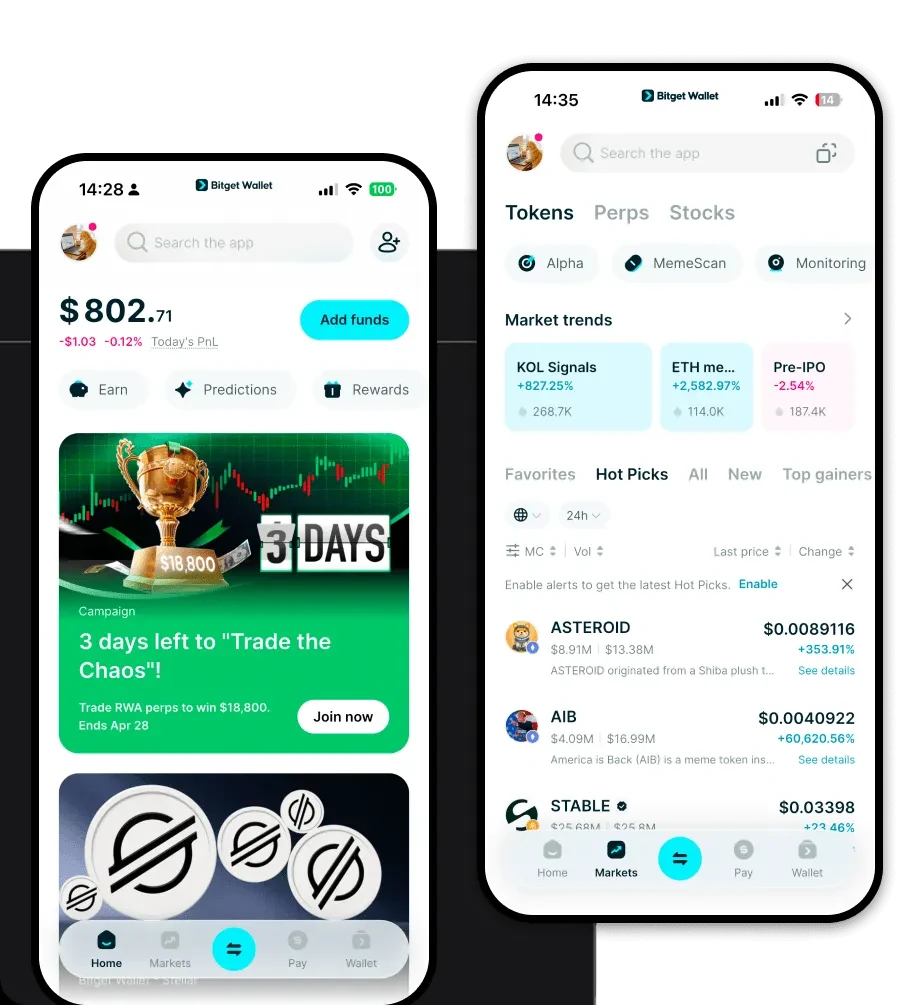
An MMU wallet is a digital interface that allows you to securely store, manage, and interact with your MMU tokens on the blockchain. Because MMU operates on the EVM (Ethereum Virtual Machine) chain, you need a wallet that is fully compatible with Ethereum-based standards to ensure seamless integration with decentralized applications and smart contracts. Are you looking for a reliable and secure crypto wallet for your MMU? Bitget Wallet will be your best choice. Trusted by 40 million users, you can freely explore Web3 on Bitget Wallet. Start your journey now!
2. Download Bitget MMU Wallet
Getting started with your MMU journey requires a secure gateway to the blockchain. Bitget Wallet provides a comprehensive, multi-chain solution that puts you in full control of your digital assets through private key self-custody. Whether you are on the move or at your desk, you can access your funds with ease. You can download Bitget Wallet directly to your iOS or Android device, or install the browser extension to interact with decentralized exchanges and DApps effortlessly. With support for over 130 public chains, Bitget Wallet ensures your MMU tokens are always accessible and manageable in one unified interface.
3. Why Choose Bitget MMU Wallet?
- EVM Compatibility: Designed specifically for the EVM ecosystem, ensuring perfect synergy with all your favorite decentralized platforms and smart contracts.
- Advanced Security Infrastructure: Benefit from an industry-leading $300 million protection fund and robust security protocols that keep your assets safe from unauthorized access.
- Aggregated Liquidity: Access hundreds of decentralized exchanges (DEXs) and cross-chain bridges directly within the app, ensuring you always get the best rates for your MMU trades.
- Intuitive Meme-Friendly Interface: Tailored for the high-volatility nature of meme coins, allowing for lightning-fast transaction speeds and real-time market tracking.
4. How to Create an MMU Wallet
Creating your wallet is a straightforward process designed to get you into the Web3 space safely and quickly:
Step 1: Download and install the Bitget Wallet app from the official website or your mobile app store.
Step 2: Open the app and select 'Create a Wallet' to generate a new account. Ensure you are in a private location.
Step 3: Carefully backup your Mnemonic Phrase (seed phrase). Write it down on paper and store it offline; never share this phrase with anyone.
Step 4: Verify your phrase within the app to complete the security setup.
Step 5: Once set up, your wallet will automatically support EVM assets. You can now import or receive MMU tokens by copying your wallet address.
5. What Can You Do With an MMU Wallet?
Holding MMU in a dedicated wallet unlocks a variety of powerful Web3 capabilities:
- Trading: Execute high-frequency trades across various decentralized exchanges to capitalize on market movements without leaving your wallet.
- Speculative Investment: Monitor the high volatility of the meme coin market and adjust your portfolio positioning based on real-time data.
- Community Participation: Engage directly with the community-driven aspects of the project, such as voting in governance proposals or participating in exclusive airdrops.
- Holding: Securely store your assets for the long term, knowing your private keys remain under your exclusive control at all times.
6. How MMU Wallets Are Different from Other Crypto Wallets
When managing MMU on the EVM chain, the wallet architecture differs significantly from non-EVM chains. Unlike Bitcoin wallets that rely on the UTXO (Unspent Transaction Output) model, an EVM-based MMU wallet utilizes an Account-based model. This means your wallet functions more like a bank account balance, where transactions update the state of your address directly. Furthermore, because MMU is an EVM token, your wallet must handle 'Gas Fees'—the transaction costs paid to network validators. Bitget Wallet optimizes this experience by providing clear gas fee estimations and allowing you to adjust speeds, ensuring your transactions are processed efficiently even during periods of high network congestion.