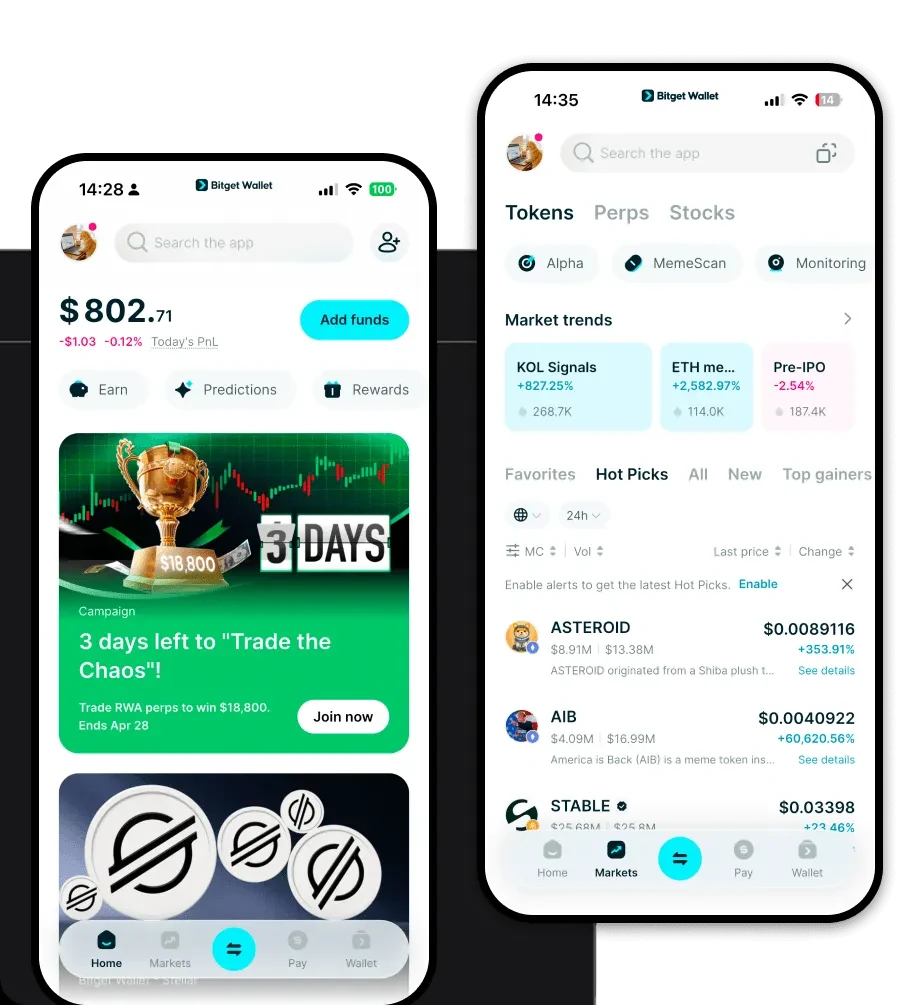
What is a W3 Wallet?
A W3 wallet is a specialized digital gateway designed to store, manage, and interact with the W3 token ecosystem. As a token built on the EVM (Ethereum Virtual Machine) chain, W3 operates within one of the most robust and widely used blockchain environments in the world. This means your W3 wallet functions as a bridge to the vast DeFi and DApp landscapes that define modern crypto utility.
Are you looking for a reliable and secure crypto wallet for your W3? Bitget Wallet will be your best choice. Trusted by 40 million users, you can freely explore Web3 on Bitget Wallet. Start your journey now!
Download Bitget W3 Wallet
Managing your digital assets requires a tool that is as flexible as it is secure. Bitget Wallet offers a comprehensive solution that puts you in complete control of your private keys and assets. Whether you are constantly on the move or prefer managing your portfolio from a desktop, this platform has you covered.
You can seamlessly download Bitget Wallet across multiple devices, including dedicated mobile apps for iOS and Android, as well as a powerful browser extension. By choosing Bitget, you gain access to a platform that supports over 130 public chains, ensuring that your W3 tokens are stored in a multi-chain environment designed for maximum interoperability and ease of use.
Why Choose Bitget W3 Wallet?
When selecting the best wallet for W3, the underlying infrastructure matters. As an EVM-compatible asset, W3 thrives in environments that offer deep DeFi integration and high performance. Bitget Wallet stands out for several key reasons:
- Seamless EVM Compatibility: Bitget Wallet is built to handle EVM-based assets natively, allowing you to interact with popular DeFi protocols and smart contracts without friction.
- Robust Web3 Infrastructure Integration: Experience a wallet that is more than just a storage tool; it serves as a gateway to the entire Web3 ecosystem, perfectly aligned with the infrastructure-heavy nature of W3.
- High Scalability for Transactions: The wallet architecture is optimized to handle high transaction volumes, ensuring that whether you are trading or moving assets, your experience remains fast and responsive.
- Advanced Cross-Chain Interoperability: Bitget Wallet simplifies the process of moving assets across different chains, leveraging built-in bridges to ensure your W3 tokens are never trapped in a single ecosystem.
- Decentralized Identity Support: Take full ownership of your digital footprint with tools that support decentralized identity standards, giving you privacy and security as you navigate the blockchain.
How to Create a W3 Wallet
Setting up your W3 wallet is a straightforward process designed to get you started in minutes:
- Download and Install: Visit the official Bitget Wallet website and download the application for your preferred device (iOS, Android, or browser extension).
- Create a New Wallet: Open the app and select 'Create Wallet.' You will be prompted to set a strong password for local app security.
- Backup Your Mnemonic Phrase: The app will generate a 12-word recovery phrase. Write this down on paper and store it securely offline; never share this with anyone, as it is the only way to recover your assets.
- Verify and Setup: Confirm your recovery phrase as prompted by the app to ensure you have backed it up correctly.
- Add W3 Token: Once your wallet is set up, go to the asset management section, search for 'W3,' and toggle it on to make it visible in your main dashboard.
What Can You Do With a W3 Wallet?
A W3 wallet is your command center for the W3 ecosystem. Beyond simple storage, it allows you to participate actively in the network and the broader infrastructure sector:
- Staking for network security: You can lock your W3 tokens into staking protocols directly through the wallet to contribute to the network’s consensus and earn potential rewards.
- Governance voting: Use your W3 holdings to participate in decentralized governance, casting votes on proposals that shape the future of the W3 project.
- Paying for gas fees: As an EVM-based asset, your W3 wallet allows you to manage the native tokens required to pay for gas fees when executing smart contract transactions.
- Accessing decentralized applications: Use the built-in DApp browser to connect your wallet to various decentralized applications, enabling you to use services without ever leaving the Bitget interface.
- Cross-chain asset transfers: Utilize the wallet's integrated bridging technology to move your W3 assets across different EVM chains efficiently and securely.
How W3 Wallets Are Different from Other Crypto Wallets
Not all wallets are created equal, especially when dealing with EVM-based tokens like W3. Unlike wallets designed for UTXO-based chains (like Bitcoin), which focus on individual transaction outputs, a W3 wallet on Bitget is optimized for the account-based model used by EVM chains.
This means your Bitget W3 wallet is specifically engineered to handle the complexities of smart contracts, allowing for faster, more predictable gas fee management and smoother interactions with DeFi protocols. While some wallets struggle with complex DApp interactions or suffer from high latency during peak network usage, Bitget Wallet utilizes high-performance infrastructure to ensure that your experience remains fluid, cost-effective, and highly compatible with the evolving landscape of Web3.