Scarica ora
Scarica ora




muse
MUSE Wallet: Best Wallet to Store, Send & Use MUSE (2026 Guide)
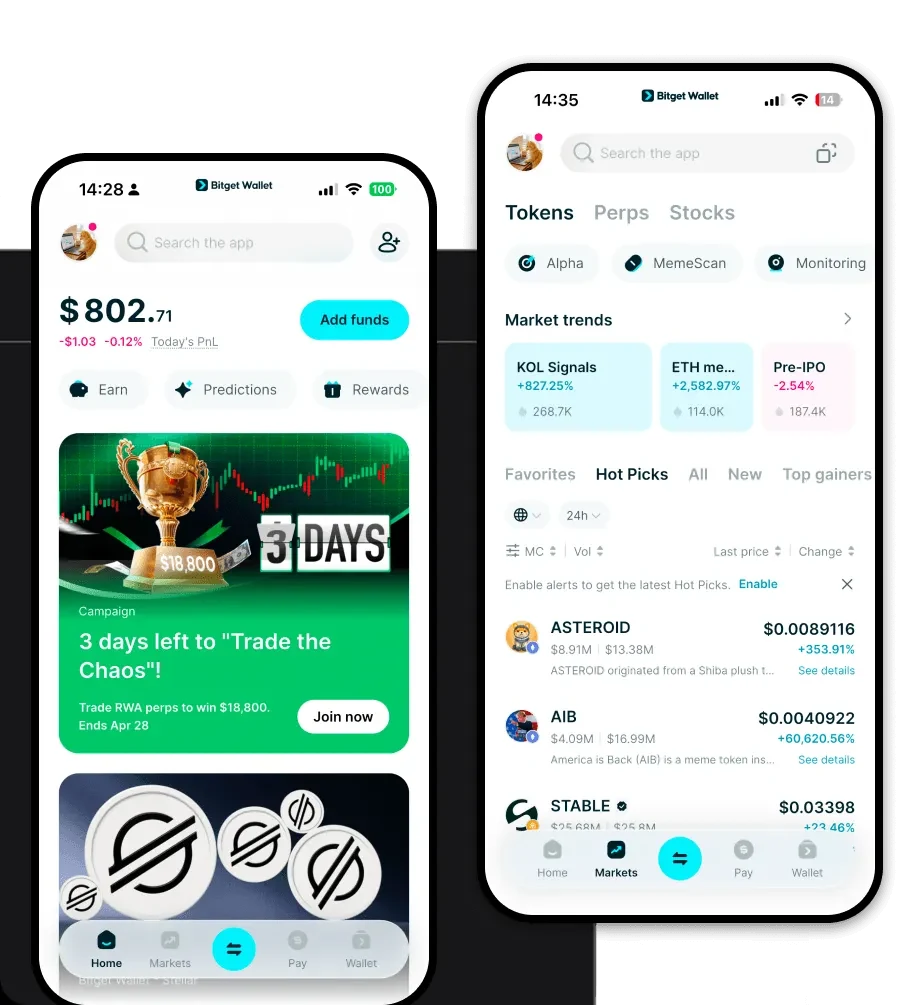
Scarica il miglior portafoglio di muse per conservare, inviare e utilizzare muse. Scopri come creare un portafoglio di muse, accedere alle dApp e gestire i tuoi muse in modo sicuro.
FAQ
Domande e risposte.
Is MUSE wallet safe?
Yes, the Bitget Wallet is highly secure. It provides users with full self-custody, meaning you hold your own private keys and recovery phrases. Furthermore, Bitget employs industry-standard encryption and maintains a $300 million user protection fund to provide an additional layer of security for your assets.
How to get a MUSE wallet address?
To get a MUSE wallet address, download and install the Bitget Wallet app, create a new wallet, and back up your recovery phrase. Once your wallet is set up, navigate to the token list, search for 'MUSE,' and add it. Your wallet will then generate an Ethereum-compatible address that you can use to receive, send, and manage your MUSE tokens.
Can I store MUSE on Bitget Wallet?
Absolutely. Bitget Wallet fully supports MUSE as it is an EVM-based token. You can store, send, receive, and interact with the Muse DAO ecosystem directly through the Bitget Wallet interface, making it an excellent choice for managing your NFTX-related assets.

Chi siamo
Products

Chi siamo
Products