Download now
Download now



clutch26
clutch26 Wallet: Best Wallet to Store, Send & Use clutch26 (2026 Guide)
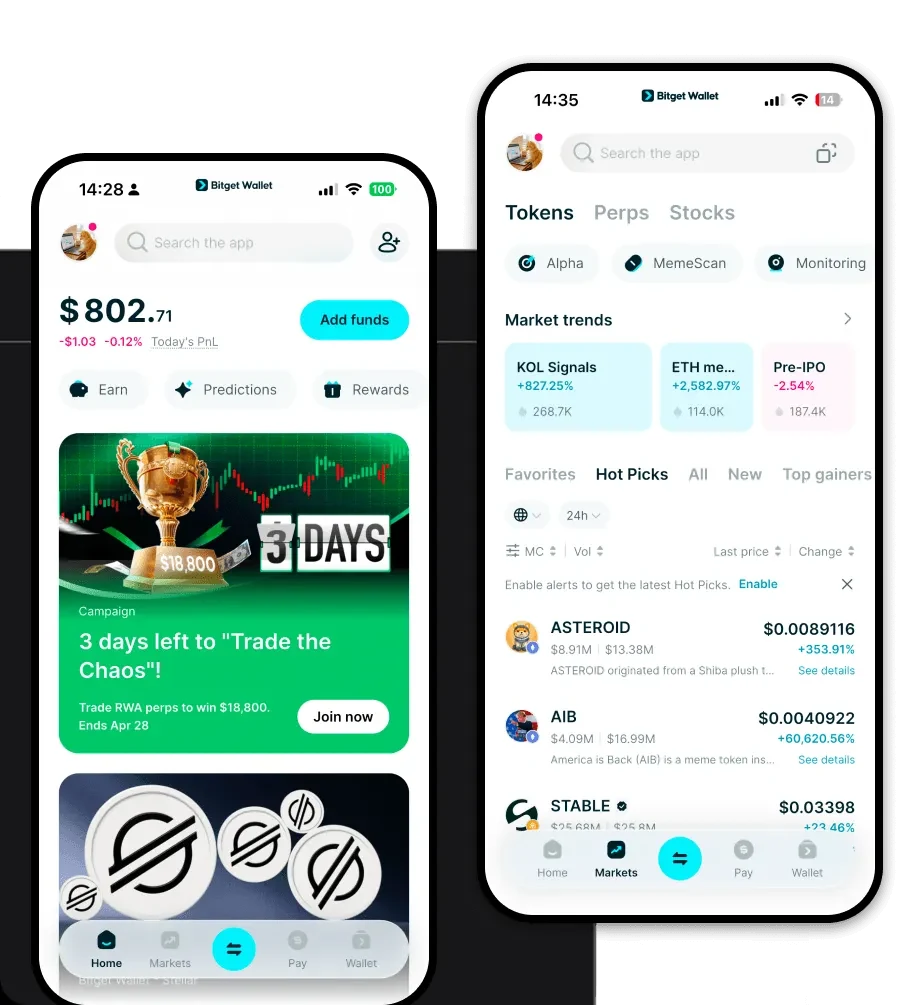
Download the best Clutch26 Coin wallet to store, send, and use Clutch26 Coin. Learn how to create a Clutch26 Coin wallet, access DApps, and manage your Clutch26 Coin securely.
FAQ
Questions, answered.
Is clutch26 wallet safe?
Yes, using Bitget Wallet to store your CLUTCH26 is highly secure. You maintain full custody of your private keys, meaning only you have access to your funds. Additionally, Bitget provides robust security measures, including a user protection fund, to safeguard your assets against potential threats.
How to get a clutch26 wallet address?
To get your clutch26 wallet address, first download and set up Bitget Wallet. Once your wallet is created, navigate to the asset list, select the Solana network or search for CLUTCH26, and tap 'Receive.' Your unique wallet address will be displayed, which you can copy and share to receive tokens.
Can I store clutch26 on Bitget Wallet?
Absolutely. Bitget Wallet is a multi-chain wallet that fully supports the Solana blockchain, making it an excellent choice for storing CLUTCH26. You can easily add the token to your dashboard and manage your holdings alongside your other crypto assets.

About us
Bitget Wallet X
Products

About us
Products
Bitget Wallet X