1. What is a Signature Wallet?
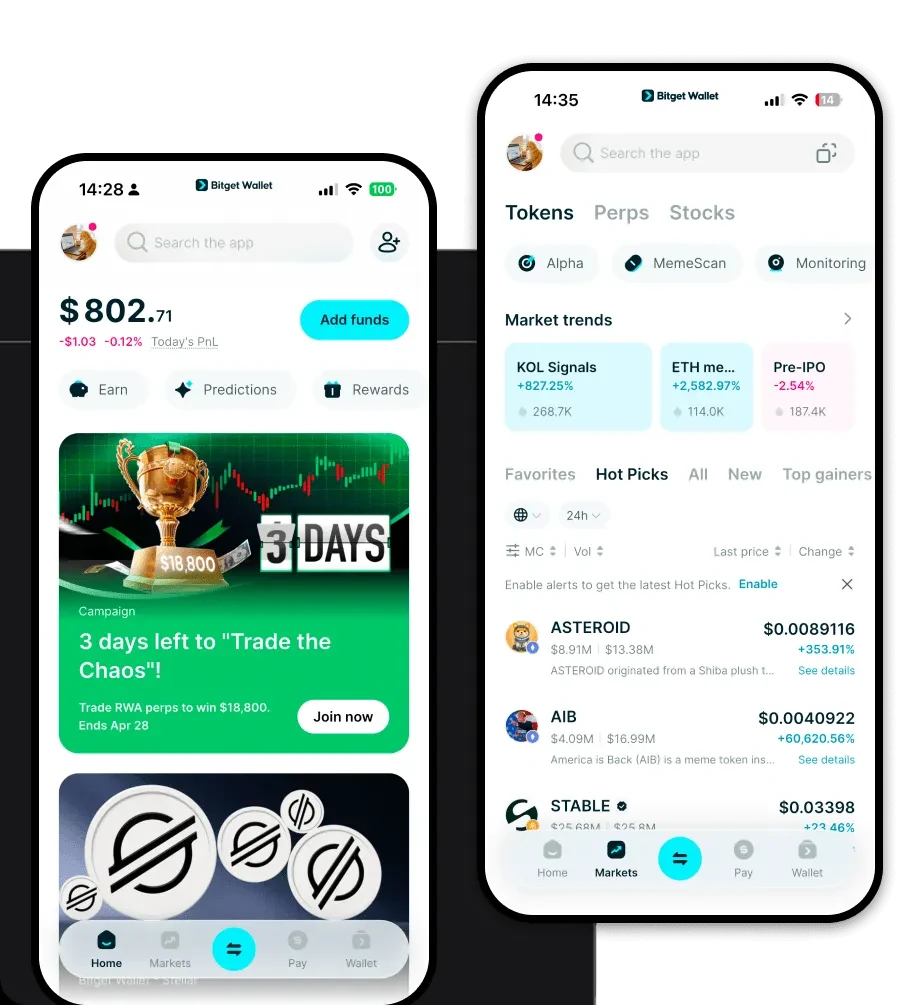
A Signature wallet is a digital tool designed to interact with the Signature token ecosystem. Since Signature operates on the EVM (Ethereum Virtual Machine) blockchain, you need a wallet that understands the specific standards of EVM-compatible tokens. When you choose a wallet for Signature, you are selecting a gateway to manage your digital assets, sign transactions, and interact with decentralized applications (dApps) built on this robust infrastructure. Bitget Wallet is a reliable and secure crypto wallet trusted by 40 million users, designed for you to freely explore Web3 and manage your digital assets. By utilizing a wallet that supports the EVM architecture, you ensure that your Signature tokens remain compatible with the broader DeFi landscape, allowing for seamless integration with liquidity pools, staking platforms, and decentralized exchanges.
2. Download Bitget Signature Wallet
Getting started with your Signature assets is straightforward. To begin, you should download Bitget Wallet, which serves as your all-in-one hub for managing tokens across diverse networks. Whether you prefer managing assets on the go or from your desktop, Bitget Wallet offers a comprehensive suite of tools tailored for your needs. It is available as a mobile app for iOS and Android, as well as a browser extension, ensuring you have constant access to your portfolio. As a non-custodial wallet, it gives you complete control over your private keys, meaning you are the sole custodian of your Signature tokens. With support for over 130+ blockchains, it is the perfect tool for handling Signature alongside a vast array of other digital assets.
3. Why Choose Bitget Signature Wallet?
Choosing the right wallet is crucial for your security and trading efficiency. Bitget Wallet stands out as the best wallet for Signature for several key reasons:
- EVM Compatibility: Designed specifically for EVM chains, Bitget Wallet ensures that your Signature transactions are executed with standard gas fee optimization and full support for smart contract interactions.
- Robust Multi-Chain Support: Beyond just Signature, you can manage assets across hundreds of chains within a single interface, eliminating the need to switch between multiple applications.
- Non-Custodial Security: With Bitget Wallet, you retain full ownership of your private keys and seed phrases, providing a level of security that custodial exchanges cannot match.
- Integrated dApp Browser: Access the entire Web3 ecosystem directly through the wallet, allowing you to connect to your favorite dApps without exposing your data to third-party browsers.
- Advanced Cross-Chain Swap: Utilize built-in bridges to swap Signature tokens or other assets across different chains instantly, ensuring you always get the best liquidity and rates.
4. How to Create a Signature Wallet
Setting up your wallet is a quick process that prioritizes your security. Follow these five steps to get started:
- Download and Install: Visit the official website to download Bitget Wallet for your specific device (iOS, Android, or browser extension).
- Create a New Wallet: Open the app and select 'Create a New Wallet.' Ensure you are in a private space where no one can see your screen.
- Secure Your Backup: The wallet will generate a 12 or 24-word recovery phrase. Write this down on paper and store it in a secure, offline location. Never share this with anyone.
- Verify Your Identity: Follow the on-screen prompts to verify your recovery phrase, ensuring you have recorded it correctly.
- Add Signature Token: Once your wallet is active, go to the asset management section, click 'Add Token,' and search for the Signature contract address to display your balance.
5. What Can You Do With a Signature Wallet?
A Signature wallet is more than just a place to hold tokens; it is an interactive tool for the Web3 world. Here is how you can utilize it:
- Asset Management: You can securely store, send, and receive your Signature tokens while monitoring real-time portfolio performance across all your connected accounts.
- dApp Interaction: Connect your wallet to decentralized applications to participate in governance, provide liquidity, or earn rewards within the EVM ecosystem.
- Token Swapping: Use the built-in exchange features to trade Signature for other cryptocurrencies instantly, benefiting from deep liquidity and low slippage.
- NFT Storage: Securely view, manage, and transfer your NFT collections directly within the same interface you use for your tokens.
- Web3 Exploration: Utilize the integrated dApp browser to discover new projects, play Web3 games, and engage with the latest innovations in the crypto space.
6. How Signature Wallets Are Different from Other Crypto Wallets
Not all wallets are built the same. When dealing with Signature on an EVM chain, the technical architecture matters. Unlike wallets designed for the UTXO model (like Bitcoin), which focus on chain-based transaction inputs and outputs, a Signature wallet built for EVM relies on an Account-Based Model. This means your wallet functions more like a bank account with a balance and a nonce, allowing for complex smart contract interactions that UTXO wallets struggle to support natively. Furthermore, because this is an EVM-compatible environment, your wallet must calculate and pay gas fees (transaction costs) in the native coin of the network to process any Signature token transfers. Bitget Wallet optimizes this process by providing clear fee estimations and transaction history, ensuring that you never overpay for your on-chain activities while enjoying the speed and flexibility that the EVM environment provides.