Download now
Download now




snx
SNX Wallet: The Ultimate Guide to Storing, Managing, and Using Synthetix Assets
Download the best Synthetix Network wallet to store, send, and use Synthetix Network. Learn how to create a Synthetix Network wallet, access DApps, and manage your Synthetix Network securely.
FAQ
Questions, answered.
Is an SNX wallet safe?
Yes, provided you choose a self-custody wallet like Bitget Wallet. Because you control your own private keys, your assets are not held by a third party. Bitget Wallet further enhances this with a $300 million protection fund and advanced encryption to keep your tokens secure from unauthorized access.
How to get an SNX wallet address?
To get your SNX wallet address, open your Bitget Wallet, tap on the 'Receive' button, and select the Ethereum network (or the specific L2 network where your SNX resides). The app will display a unique alphanumeric string or a QR code; this is your public address for receiving SNX tokens.
Can I store SNX on Bitget Wallet?
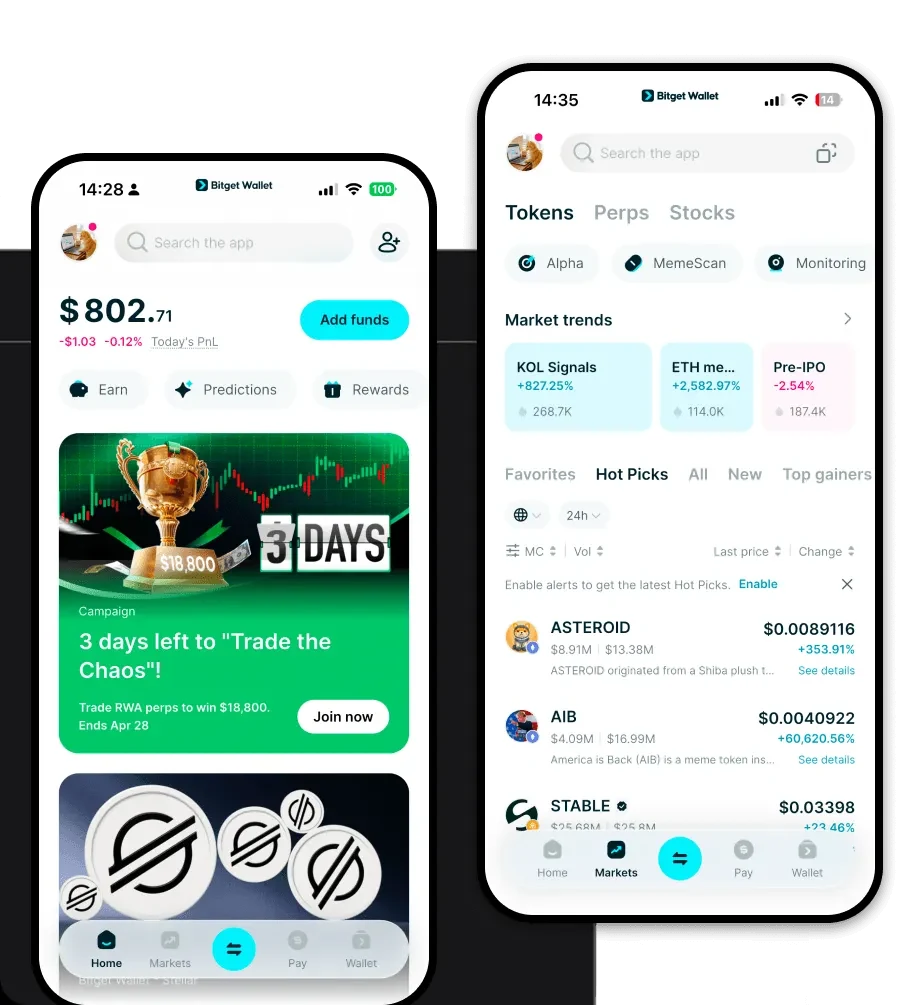
Yes, Bitget Wallet fully supports SNX. You can store, send, and receive SNX tokens easily. Furthermore, because Bitget Wallet is designed for DeFi, you can interact directly with the Synthetix protocol to stake your tokens and manage your synthetic assets without needing to move your funds.

About us
Bitget Wallet X
Products

About us
Products
Bitget Wallet X